
Free access
Start the journal and try an export
- Unlimited journal entries and photo memories in the app
- PDF preview with one journal entry and up to four photos
- No AI recap in the preview
From a few saved memories to a keepsake
Write about the day, pin your photos and keep the trip together in Journily. Export a PDF you can save, share or print when you want to hold onto the story.
Free to start. Full albums with Premium.
Free access includes a smaller PDF preview: one entry and up to four photos.
PDF · 3 pages · 1.1 MB · No email or account needed to open
An app for iPhone and Android · Digital PDF export · Printing is separate
Every page, before you download the app
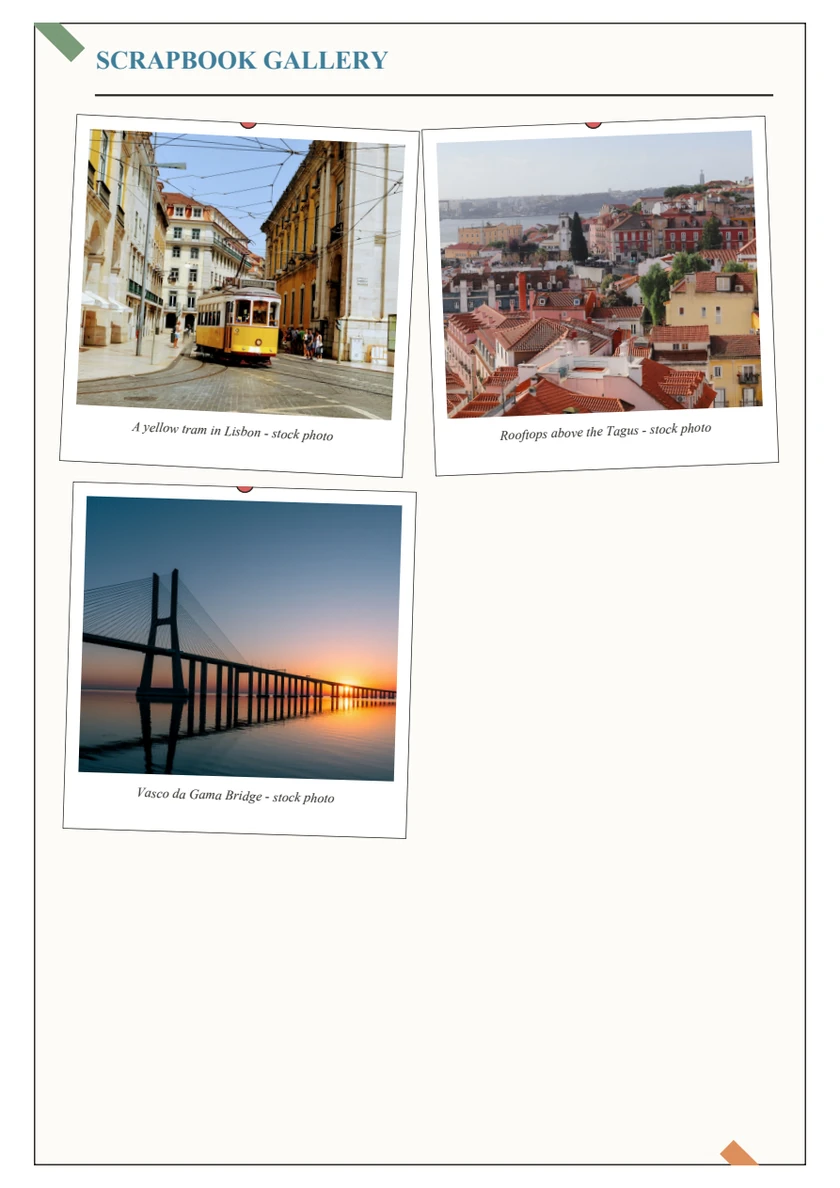
A cover, three short journal entries and three photos across three A4 pages. This is the unchanged output of Journily’s actual Android exporter, using local Premium demo access.
The sample is free to view. Creating your own full album requires Premium.
Fictional demonstration, not a customer story. The photos are licensed stock images. This sample has no AI recap. Photo credits.
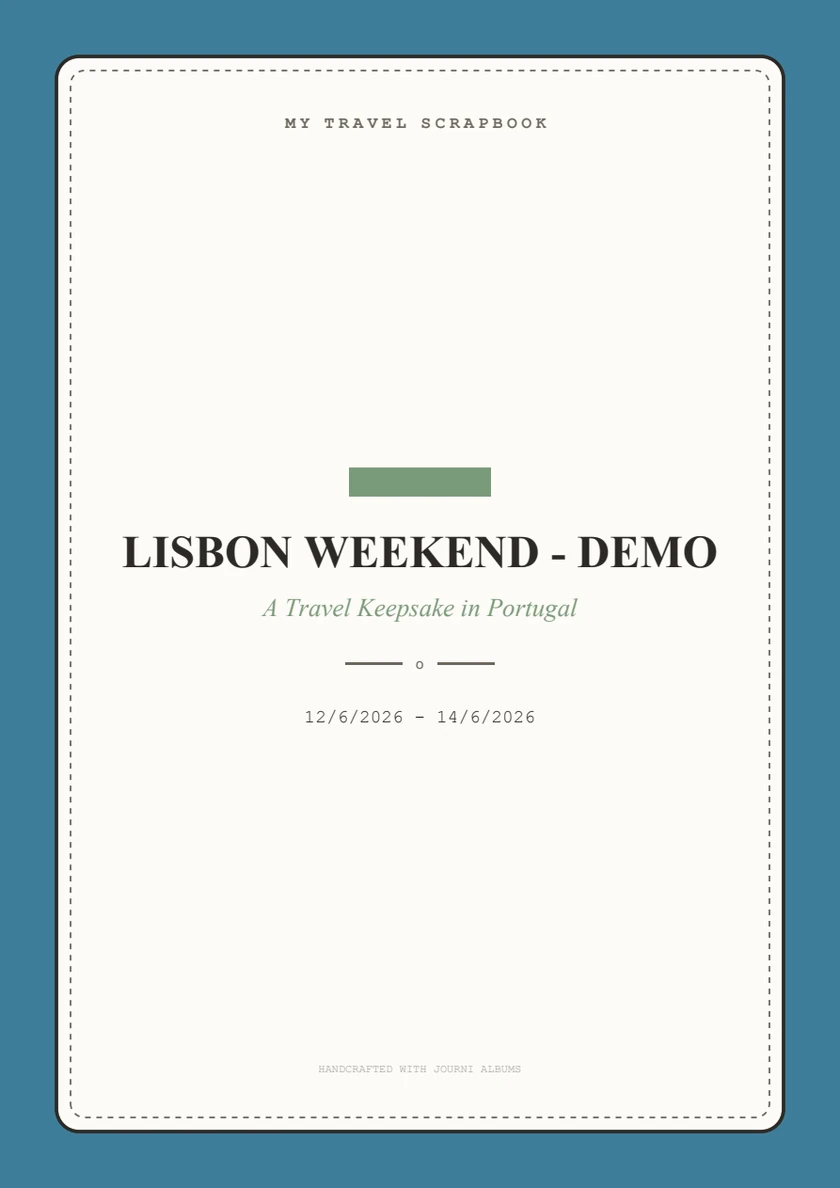
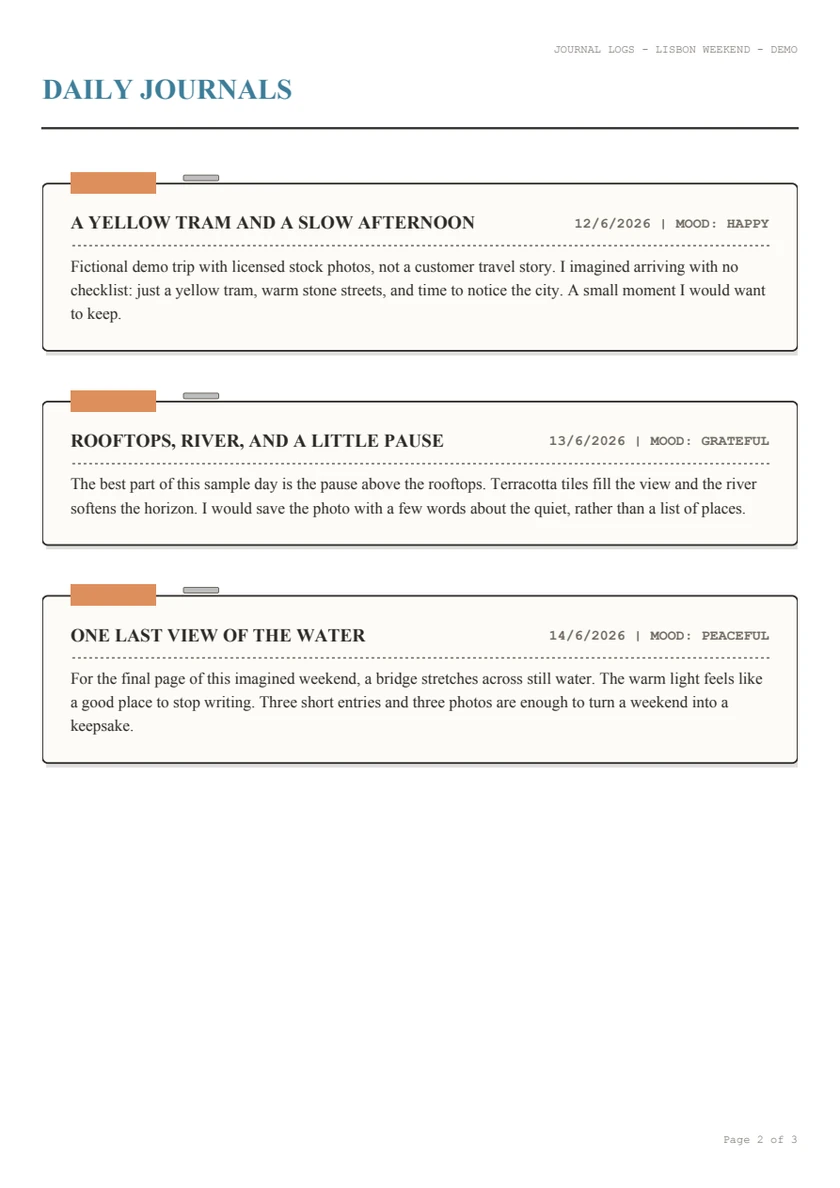
Open any page image for a closer look, or use the PDF above to see the complete album at full size. Your page count depends on the memories you add.
Make your own
Start with one trip and the moments you want to remember. You can write and save photos locally without a Journily account.
Need help choosing photos and writing captions? Follow the phone-photo scrapbook guide from a small story to a saved chapter.
Open Chapters, create a travel chapter and open it. Add entries in Journals and use Pin Photo in Photos. Captions help the pictures carry their story.
Tap the scrapbook export icon in the trip’s top-right toolbar. Free access generates a preview. Premium generates the full trip album, including a saved written recap when one is available.
The device share sheet opens. On iPhone, choose Save to Files. On Android, choose a compatible files app, Drive or another installed destination. Available options depend on your phone.
For screenshots and device details, follow the iPhone export walkthrough or Android export walkthrough. Opening the share sheet does not automatically send the PDF to anyone.
When you want it on paper
The exported album uses A4 pages. Open the PDF in a reader and inspect every page before printing a full set.
Questions
Free access creates a preview with one journal entry and up to four photos, without an AI recap. Premium exports the full album. The public sample is free to open, but it demonstrates a full album made with Premium demo access.
The sample has three A4 pages: a cover, three fictional journal entries and a gallery of three licensed stock photos. It was generated by the actual Android app exporter with a local Premium demo entitlement. It contains no AI recap or customer memories.
Journily exports a digital PDF. You choose whether to keep the file, share it or print it using your own printer or a printing service. Physical printing, binding, delivery and their costs are separate.
This is an app for writing entries and saving photos before export. It does not supply a blank handwriting worksheet. The sample shows a completed fictional trip so you can see the output before downloading the app.
A full Premium export can include a saved written recap when one is available. This sample has no recap. Printed pages do not play audio. Online AI features require sign-in and an internet connection; you can start the core journal without an account.
A PDF is a readable keepsake, not a restorable Journily backup. Keep the file somewhere safe. Cloud backup and restore are separate Premium account features; see the privacy guide for how Auto-Sync works.
Product walkthrough checked 27 October 2026 by Klejdi Hoxha, Journily’s developer.
Start with one trip
Download Journily and start free with entries and photos. Try the PDF preview, then choose Premium if you want the full album.